Search  for anything...

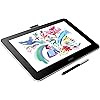
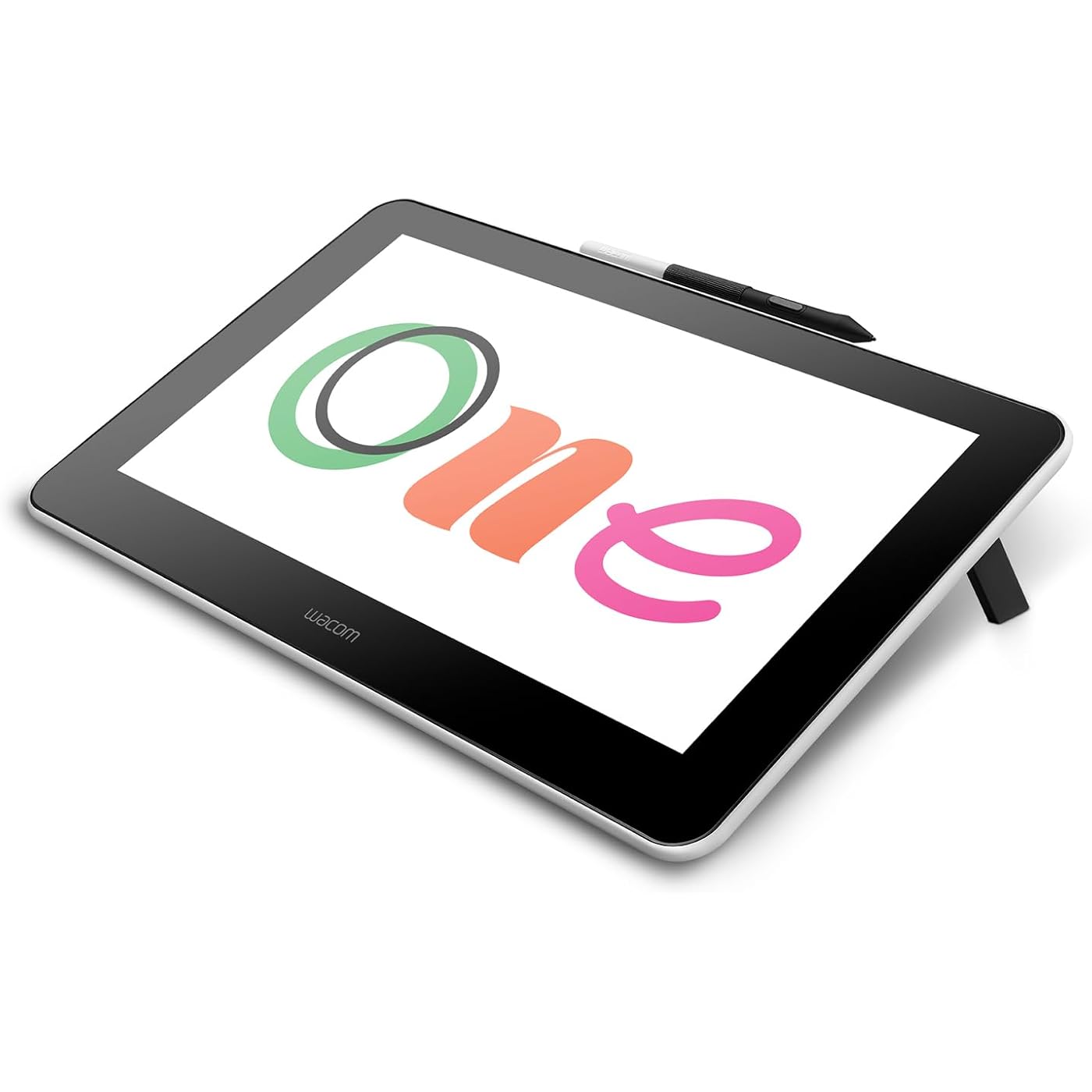
Wacom One HD Creative Pen Display, Drawing Tablet with Screen, 13.3" Graphics Monitor; Works with Mac, PC & Chromebook, Photo/Video Editing, Drawing & Education Old Gen (2019)

  • Based on 3,419 reviews
Condition: New
Checking for the best price...
$359.25 Why this price?
Save $40.70 was $399.95

Buy Now, Pay Later


As low as / mo
  • – Up to 36-month term if approved
  • – No impact on credit to apply
  • – Instant approval decision
  • – Secure and straightforward checkout

Ready to go? Add this product to your cart and select a plan during checkout.

Payment plans are offered through our trusted finance partners Klarna, Affirm, Afterpay, Apple Pay, and PayTomorrow. No-credit-needed leasing options through Acima may also be available at checkout.

Learn more about financing & leasing here.

Selected Option

Free shipping on this product

FREE 30-day refund/replacement

To qualify for a full refund, items must be returned in their original, unused condition. If an item is returned in a used, damaged, or materially different state, you may be granted a partial refund.

To initiate a return, please visit our Returns Center.

View our full returns policy here.


Availability: In Stock.
Fulfilled by CDR Global (We Record SN)

Arrives Mar 28 – Apr 1
Order within 17 hours and 40 minutes
Available payment plans shown during checkout

Protection Plan Protect Your Purchase
Checking for protection plans...

Style: Display


Features

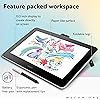
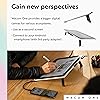
  • Wacom One Creative Pen Display: High definition creative pen display designed for creative hobbyists, visual thinkers, and anyone needing a second screen or bigger digital canvas for work or play
  • Works With All Software: Wacom One display can be used in any software program to explore new facets of digital creativity; draw, paint, edit photos/videos, create designs, and mark up documents
  • Beautiful Display For Digital Freedom: Bring your creative juices to life in a full color spectrum on a 13.3" high definition display and draw,edit photos and videos, or use for easy note taking
  • Time Saving Pen Technology: Wacom One's button on pen can be customized for your favorite shortcuts like undo or copy/paste, helping you stay immersed in your art with efficiency and ease
  • Wacom is the Global Leader in Drawing Tablet and Displays: For over 40 years in pen display and tablet market, you can trust that Wacom to help you bring your vision, ideas and creativity to life

Description

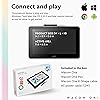
Experience the power of the pen. Wacom One is a digital pen display for all creative uses – a seamless experience whether at home, work or play. Sign documents digitally, view a phone app on a bigger screen, quickly take notes, sketch, paint or edit photos – the 13.3” HD screen is ready to go and comes with creative software to get you started. Use the Wacom One pen or get a digital pen from a range of leading brands to customize your experience. Everyone from creative beginners to digital natives will appreciate the simple way in which Wacom One can be used as an extension of Mac, Windows PC, Chromebook and Android smartphones for drawing, gaming, or office productivity applications. This product works with devices capable of running the latest version of Chrome OS and has been certified to meet Google's compatibility standards. Google is not responsible for the operation of this product or its compliance with safety requirements. Chromebook, Android, and the Works With Chromebook badge are trademarks of Google LLC.

Brand: Wacom


Connectivity Technology: HDMI


Pressure Sensitivity: 4096 Levels


Operating System: Windows


Special Feature: Full Lamination


Standing screen display size: ‎13.3 Inches


Screen Resolution: ‎1920x1080


Max Screen Resolution: ‎1920 x 1080 Pixels


Brand: ‎Wacom


Series: ‎One


Item model number: ‎DTC133W0C


Hardware Platform: ‎Mac, PC


Operating System: ‎Windows


Item Weight: ‎4.5 pounds


Product Dimensions: ‎15.7 x 10.2 x 3.1 inches


Item Dimensions LxWxH: ‎15.7 x 10.2 x 3.1 inches


Color: ‎black and white


Batteries: ‎1 Lithium Polymer batteries required. (included)


Manufacturer: ‎Wacom Technology Corporation


Date First Available: ‎January 7, 2020


Frequently asked questions

If you place your order now, the estimated arrival date for this product is: Mar 28 – Apr 1

Yes, absolutely! You may return this product for a full refund within 30 days of receiving it.

To initiate a return, please visit our Returns Center.

View our full returns policy here.

  • Klarna Financing
  • Affirm Pay in 4
  • Affirm Financing
  • Afterpay Financing
  • PayTomorrow Financing
  • Financing through Apple Pay
Leasing options through Acima may also be available during checkout.

Learn more about financing & leasing here.

Top Amazon Reviews


  • Quality product made by an amazing brand
Style: Display
I wanted to wait a decent amount of time to write a review so I could attest to it's durability. I bought this 6 months ago and I am extremely happy. I'm a traditional artist who desired to try digital drawing. I started using my HP 360x touch screen but it was too old for a responsive stylus. I didn't need another stand alone tablet (Ipad) so I looked at display tablets that attach to a PC, laptop, or tablet. I knew I didn't want to go through buying a cheap one only to be frustrated and then buy a more expensive one essentially doubling the amount of money spent. After doing my research I decided to try the Wacom One. I am very satisfied with my purchase. Unlike other inexpensive brands I never have any issues with it responding. I can easily switch it to any of my devices. It's small enough to place in my lap if I want to use it on my Chromebook to be more comfy. It came with an abundance of long trials of the most popular software that I have utilized. That alone was worth the slightly higher price. You can easily get half a year or longer out of the trials getting time to learn them and pick a preferred drawing app. The stylus is precise and very responsive. The colors are vibrant. As a traditional artist I appreciate the paper feel it has. It comes with extra nibs to replace as they do wear down over time. I replaced mine immediately just to see how easy it was to do. It's so easy my kids could do it. The only thing I would change is the length of cord. It is bound together in the middle. Depending on how I am set up it can take a bit of rearranging to get the cords neatly arranged. If you like to use short cut keys you will need to set them to your keyboard as the stylus has the only on board button. You could also buy the accessories to add more buttons. I'm so pleased with Wacom I am already eyeing the Cintiq all in one. The appeal of the Cintiq All In One being able to have it connect and be able to be a stand alone tablet seems worth it. ... show more
Reviewed in the United States on July 28, 2023 by Customer Review

  • I feel sad when I see windows 10 users leaving poor reviews
Style: Display
This is, hands down, an amazing piece of hardware. I'm absolutely certain this would have a five star rating if not for Windows 10. If you're on Windows 10, you need to be careful of a few things: 1. Windows will mess up your resolution and might even mess with the pen: To fix these issues, make sure your display is set to 100% (no scaling) in Windows' settings, and turn off the Windows Ink checkbox in your Wacom settings. Sometimes you have to switch to 150% and then back to 100% - you'll know this is needed when the pen begins to draw incorrectly. As soon as you set this, you'll get a lot more screen space too! 2. If the C:\ drive is not your default installation drive (i.e., you've messed with your registry), you'll need to set it back temporarily while you install Wacom's drivers, otherwise they won't work. With that out of the way, I have to say that this tablet works well with both OSX and Windows (aside from the caveats above), and is far more of a pleasure to draw on that a Microsoft Surface or an iPad. I bought a Wacom Cintiq 16 Pro and almost returned the One, but I actually liked this tablet better and returned the $1400 Cintiq - which felt much worse to use with the abhorrent lag. I also like the pen that comes with this tablet better - contrary to some of the reviews, it doesn't feel too hard. You can adjust the "softness" in the Wacom settings as well. I saw a review where someone who bought this for marking documents complained about the lack of an undo button - which is silly because there _is_ a button on the pen, and you can easily map it to undo! That being said, I own a Wacom Expresskeys remote, which I rarely use but could be handy for those on the go. Overall, this is probably the best value for money screen tablet you can get at the moment. From the build quality I expect this to last for about 10 years, I'd be shocked if a Huion made it past the 5 year mark. ... show more
Reviewed in the United States on June 10, 2020 by Nikster

  • My 15 year old LOVES this Pen Display!
Style: Display
I purchased this for my 15 year old daughter who loves digital drawing and art. She has been working with a Wacom pen tablet but has wanted a Wacom pen display for a long time. It just wasn’t possible until now, and she is so thrilled with it. It arrived in only 1 day. The set up was easy and she was up and drawing very quickly. It has a very nice look with white and black two tone coloring. It feels good in your hands, lightweight with a feeling of quality. She is also enjoying the free software that came with the product, but is glad that it works great with her favorite applications that she is already is familiar with. The thing she likes best is that she can sit back on the couch and sketch in a comfortable way, like with a paper sketch pad. We had been toying with the idea of buying another brand of display, but are glad we could stick with the quality of Wacom who we already trusted. We are not disappointed. ... show more
Reviewed in the United States on February 9, 2020 by Graydon

Can't find a product?

Find it on Amazon first, then paste the link below.
Checking for best price...