




Amazon Fire TV Alexa Voice Remote Pro (newest model) with remote finder, TV controls, and backlit buttons
Condition: New
Buy Now, Pay Later
As low as
$8
/ mo
Learn more
- – 4-month term
- – No impact on credit to apply
- – Instant approval decision
- – Secure and straightforward checkout
Ready to go? Add this product to your cart and select a plan during checkout.
Payment plans are offered through our trusted finance partners Klarna, Affirm, Afterpay, Apple Pay, and PayTomorrow. No-credit-needed leasing options through Acima may also be available at checkout.
Learn more about financing & leasing here.
Selected Option
Free shipping on this product
30-day returns
Learn more
FREE 30-day refund/replacement
To qualify for a full refund, items must be returned in their original, unused condition. If an item is returned in a used, damaged, or materially different state, you may be granted a partial refund.
To initiate a return, please visit our Returns Center.
View our full returns policy here.
Availability:
In Stock.
Arrives
Tuesday, Mar 31
Recently Viewed


Configuration: Remote only
Features
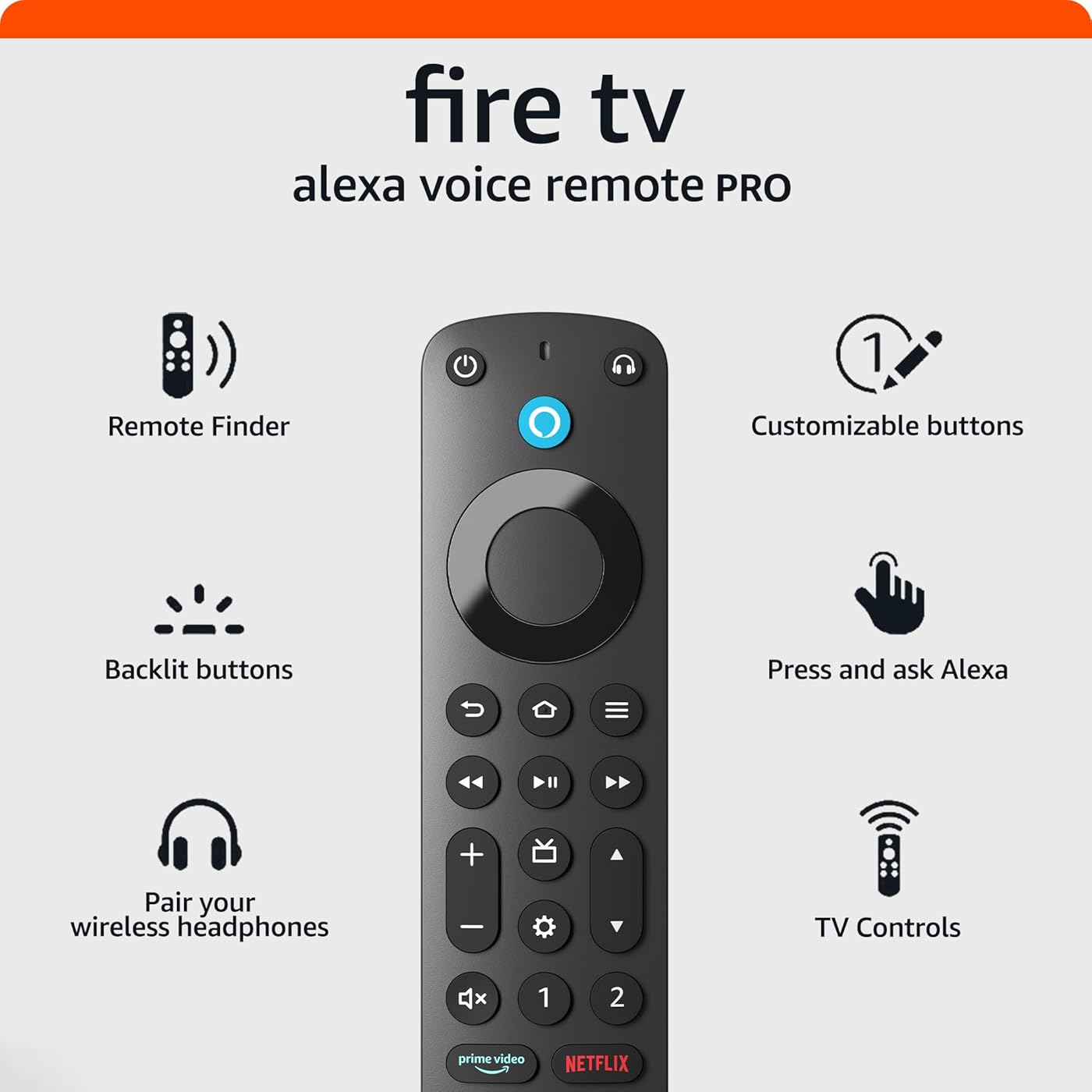
- Alexa, find my remote. - Use a device with Alexa, the Alexa app or Fire TV app and Alexa Voice Remote Pro will emit a ring. No searching cushions.
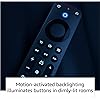
- Backlit for your convenience - Navigate movie night with a motion-activated backlight that illuminates buttons in dimly-lit rooms.
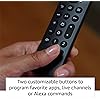
- Two customizable buttons - Create your own shortcuts to favorite channels, apps, or any Alexa commands.
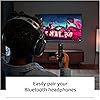
- Dedicated headphone button - A new shortcut to the on-screen Bluetooth menu that lets you pair your wireless headphones fast.
- Integrated TV controls - Control power, volume, plus surf live TV with dedicated channel buttons all from one remote.
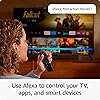
- Press and ask Alexa - Use your voice to find your shows, open apps, manage volume, and even control compatible smart home devices.
- Not compatible with Fire TV (1st and 2nd Gen), Fire TV Stick (1st Gen), Element Fire TV Edition, Insignia HD/Insignia FHD, Hisense U6HF 4K ULED Fire TV Series, or Echo show 15.
Frequently asked questions
If you place your order now, the estimated arrival date for this product is:
Tuesday, Mar 31
Yes, absolutely! You may return this product for a full refund within 30 days of receiving it.
To initiate a return, please visit our Returns Center.
View our full returns policy here.
To initiate a return, please visit our Returns Center.
View our full returns policy here.
- Klarna Financing
- Affirm Pay in 4
- Affirm Financing
- Afterpay Financing
- PayTomorrow Financing
- Financing through Apple Pay
Learn more about financing & leasing here.
Similar Products


Top Amazon Reviews
Configuration: Remote only
This remote is even better than I expected! Even though I already have perfectly fine Fire Stick remotes as soon as it popped up on my TV screen I immediately ordered one (not something I usually do!) for the backlit feature alone. While waiting for delivery I started reading more about it and got more and more excited because of other features, a couple of which I already had on my previous remote but still worth mentioning. Can turn on TV AND/OR receiver when you press power! This is easily set up during the simple remote setup process. You just have to select the brand of each; you do not even have to fool with model number or other info. Keep in mind that when using these buttons you need to have the remote pointed toward the system because these controls us IR like a regular remote, while most controls between the Fire Stick and remote are WIFI so not directional. There is a caveat about this feature if you have a little more involved "theater" system and also use a multifunction remote like a Logitech Harmony that automatically changes source and input ports depending on what you are doing. For example, if you press "Watch a Movie" on the Logitech to watch a blu-ray disc the Logitech changes the HDMI ports as necessary. The next time you press the power button on the Fire Stick remote the system input and source will still be set for watching a DVD. The Fire Stick remote will turn on the TV and receiver, but the TV will say not connected because ports are wrong. You have to then use the Logitech remote to turn the system All Off then press Watch TV to get the ports set properly. This is a minor nuisance. A more common issue is that sometimes when you turn the system off with the Fire Stick remote and maybe do not have the remote pointed correctly the receiver may not turn off, which you may not realize if the receiver is behind a fabric door like mine. The next time you try to power on the system you actually toggle the receiver off so you will again get a not connected message. Again you have to grab the Logitech to All Off then Watch TV to get everything in sync. There may be a fix for some of this. I recently realized that in Settings for either the Fire Stick or the remote there are a number of settings you can change to modify how the devices interact such as the length of the signal the remote sends, the kind of thing more advanced users might want to explore. TV channel and volume controls are now located and look more like most remotes which, to me, also makes them more convenient to use. Two programmable streaming service buttons are great and pretty simple to set up. We watch a lot of stuff on Paramount+ so it is nice to just be able to jump to that service after watching a different one. I wish more of them were programmable. The backlighting is great! When you pick up the remote the backlight automatically comes on. So I am super happy with this new remote!
...
show more
Reviewed in the United States on June 9, 2023 by RainmanP
Configuration: Remote only
I was having a lot of problems with the Apple TV in our guest room. Janky audio and video. I decided to try another platform to see if the problem was actually the Apple TV or the TV itself. I ordered the latest Amazon 4K Firestick Max and found it was indeed the Apple TV that had gone bad. The picture and audio on the Firestick is awesome. However, the one thing I was not all that impressed with was the remote that came with the unit. It's fine as it is, but didn't have several functions I wanted. I decided to see if they offered a more premium remote for the Firestick. They do ... It has several functions that I really like. For example, you can use Bluetooth headphones with it, and it has backlight buttons. The overall feel and heft of the remote is simply more premium than the one that comes with the Firestick. It's also smaller. The first thing I did was pair it with the Firestick (which took all of one minute) and then tried my Bose headphones with it. Again, it took all of one minute to pair it and it works flawlessly. Once paired, you simply push the headphone button on the top right side of the remote and that is all you need to do. The audio immediately switches from the external speaker to the headphones. And the backlight buttons are very helpful in a dark room. The remote also has two customizable shortcut buttons. I haven't done anything with those yet but will set one up for my Favorite Channels. One thing you need to do however is check the compatibility list on Amazon. Evidentially the remote doesn't work with some older Amazon Firestick products. It absolutely works with the latest Firestick 4K Pro. Granted, the remote was an additional cost, but well worth it from my perspective. Glad I purchased it. That said, Amazon should offer it as an optional SKU with the Firestick 4K Pro .... I bet they would sell a lot of them in that configuration.
...
show more
Reviewed in the United States on October 14, 2024 by Warren Ezra
Configuration: Remote only
I like this remote because all the buttons are back lit so it’s perfect at night time when you’re trying to find the right button. It does have a one and two button that can be used as speed dial for your favorite app. It does have an option for Bluetooth headphones that connect to this remote as well. With this being said, I don’t know what this remote frequency is because every time I use microphone button, it changes my HDMI input every time. Not sure if it’s the remote or the TV but it runs on a certain frequency and it changes my HDMI input. For reference I use the 86 inch LG. Keep this in mind.
...
show more
Reviewed in the United States on February 12, 2026 by ChrisPy